The best EV charge card for a fleet in 2026 is the one that works on its routes and fits its expense process. Start with two separate checks: can the driver start the charger, and can the business pay for the session? Then look at fees, spending controls and the records finance receives.
An RFID card, charging app and Visa payment card are different tools. A charger may support one method without supporting another. This guide explains how to assess them, without assuming that every provider or plan works the same way.
The criteria that decide the shortlist
| Criterion | The question to ask | What to verify |
|---|
| Charging access | How does the driver start a session? | RFID, app or payment terminal support at the actual site |
| Route coverage | Which locations on our regular journeys are supported? | Operator, connector type, opening hours and a usable backup |
| Cross-border use | Does the same setup work in each country we visit? | Network access, payment acceptance, currency and support |
| Total session price | What will our usual charging sessions cost? | kWh price plus subscription, roaming, session and idle fees |
| Invoices | What evidence reaches finance? | Supplier details, session breakdown and applicable tax information |
| Controls | Can we assign cards and set spending limits? | The controls available on the exact plan being considered |
| Home and depot charging | How do these costs enter our records? | Metering, reimbursement and supported exports |
| Mixed fleets | How will we account for fuel and charging together? | Consistent driver identifiers and an expense workflow |
Charging access and payment acceptance
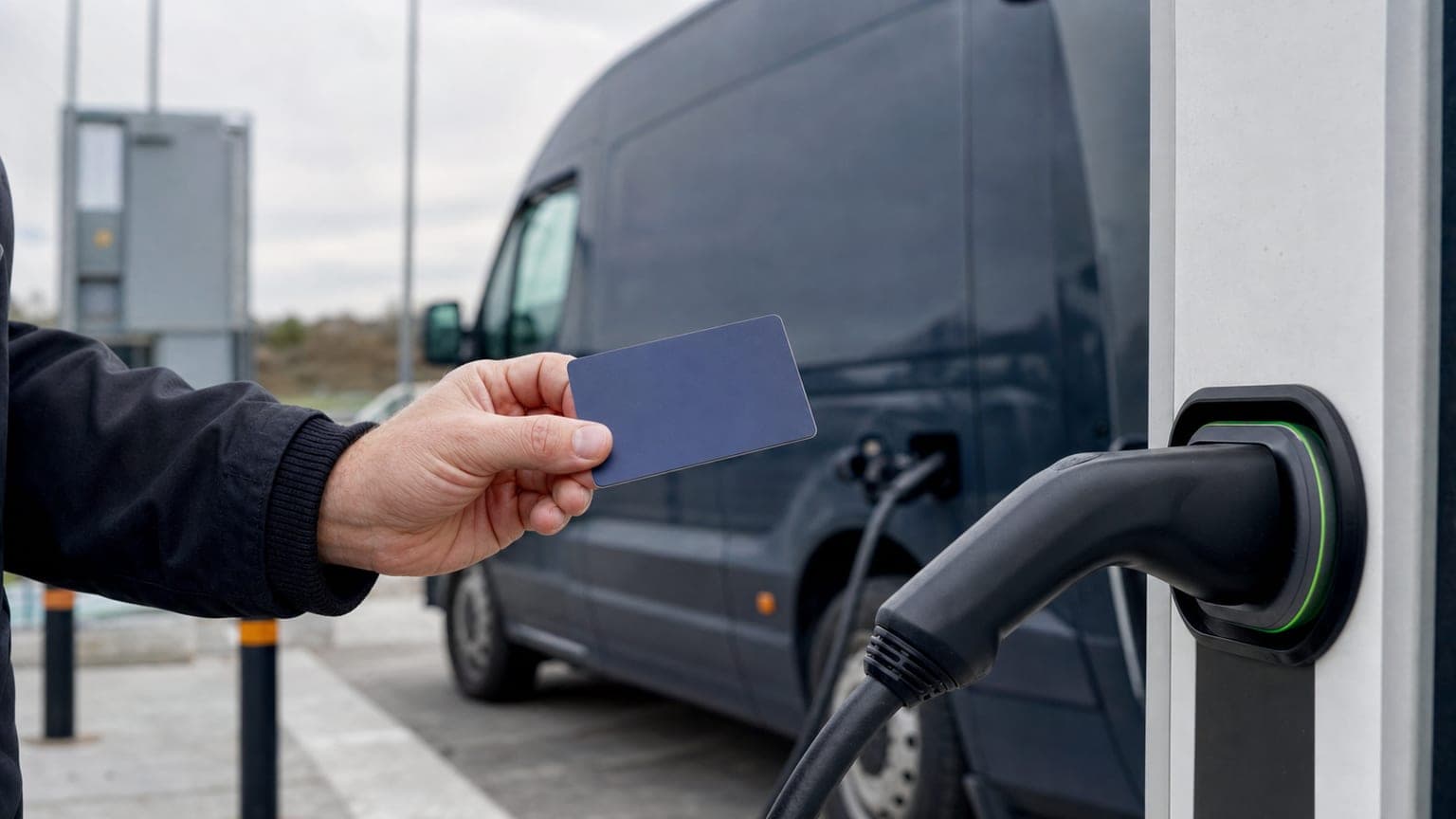
An RFID card or fob identifies an account at compatible chargers. Its reach depends on the charging provider's network and roaming agreements. A charging app may offer another way to start the same session.
A business payment card pays through a supported terminal or online payment flow. Visa acceptance is a payment capability, not a promise that a card can activate every charger. A site that requires a particular RFID credential may still need that credential, even if you use a business card elsewhere on the journey.
For each regular stop, record the supported activation method, payment method and backup. Test them with the vehicles and cards your team will actually use. Check what drivers should do if the terminal rejects a payment or an app cannot connect.
Compare options by evidence, not category labels
Network cards, roaming services and business spending platforms can overlap. Some offer business controls, consolidated billing or expense automation. Availability depends on the provider, country and plan, so a category name is not enough to establish what is included.
| Option | Useful questions before choosing |
|---|
| A charging operator's card or app | Which own and partner sites are supported? Is there a subscription discount, and what does the business invoice contain? |
| A roaming card or service | Which operators and countries are included? What tariff applies at each site, and are session or roaming fees added? |
| A business payment card | Where is its card network accepted? Which charging payment methods work, and how do receipts reach the expense record? |
| A fleet or expense platform | Which charging, card, approval and accounting features are available on our plan? Does it provide charging access, payment, expense management or a combination? |
Ask for the current fee schedule, a sample invoice and a demonstration of the relevant workflow. Check the specific country and plan you intend to use.
Network coverage on your real routes
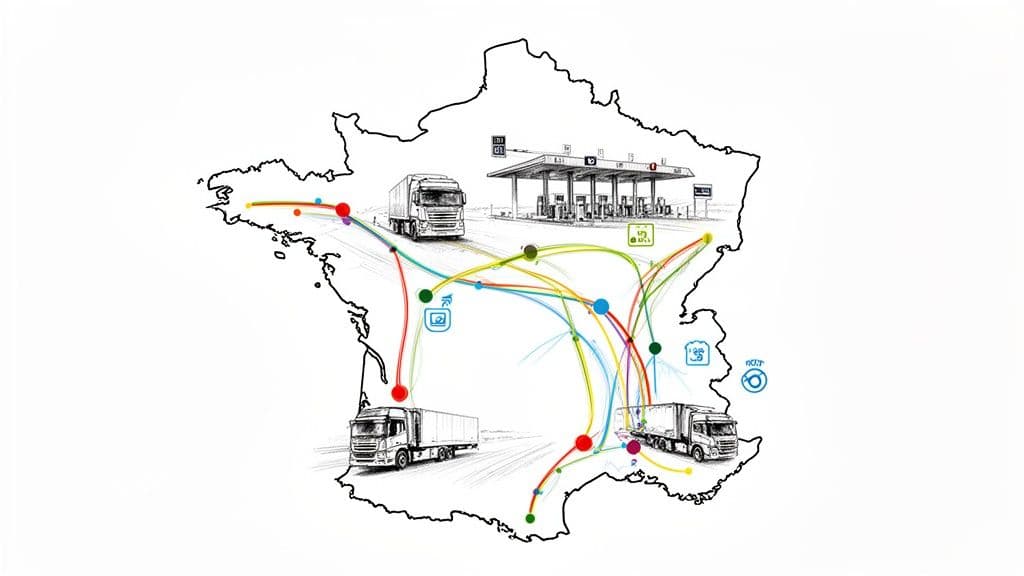
Use a representative week of journeys to identify the sites your drivers need. Check those locations individually, including the charging type and available alternatives nearby. A large advertised network is useful only when it covers the journeys you make.
- Check the site. Confirm access hours, connector compatibility and whether vehicles can reach the charging bays.
- Check the activation method. A site appearing on a map does not establish which card, fob or app you can use there.
- Check each country. Repeat the exercise for cross-border routes, including payment currency and available support.
Keep this list current as routes and network arrangements change.
Compare the total charging cost
Use the same set of representative sessions for every offer. Include AC and rapid charging, the countries visited and any time-dependent tariffs. Compare the total cost, not an isolated headline rate.
For each session, check:
- The price per kWh and whether it is fixed, passed through or marked up.
- Any session fee, roaming charge or currency conversion cost.
- Idle or blocking fees and when they begin.
- The share of monthly card or subscription fees attributable to that plan.
A fixed rate may be easier to budget, while a site-dependent rate varies with where and when drivers charge. Neither is automatically cheaper. If a subscription offers a lower kWh price, divide its monthly fee by the per-kWh saving to estimate the usage needed to recover the fee. This comparison only works when the other charges are equal.
Also ask about dormant cards, replacements, minimum terms and cancellation. Keep the written tariff with your comparison so finance can check the first invoices against it.
Invoices and accounting across borders
Ask for a sample invoice and export before committing. Useful session details include the date, location, driver or vehicle identifier, kWh delivered, amount and currency. Finance should also check the supplier and tax information it needs for the countries involved.
A consolidated statement can help with reconciliation, but confirm whether separate supplier invoices are still required. A payment record alone does not establish that all supporting documents are present. Ask your accounting team which records it needs and how exceptions should be handled.
Test the export with your accounting system. Check whether the chosen connection transfers transactions, supporting documents and reviewed categories, or whether some steps remain manual.
Spend controls and driver identification
Decide how cards will be assigned and which controls matter to your business. Ask about card limits, purchase categories, approvals and the ability to pause a card. Verify the settings on the plan you would buy.
Keep driver or vehicle identifiers consistent between charging records and expenses. If a card is shared, agree how the team records who used it. Clear ownership makes it easier to investigate a missing invoice or an unexpected charge.
Home and depot charging
If drivers charge at home or at your premises, include that work in the comparison. Ask how energy use is measured, how reimbursement is calculated and who reviews it. Confirm whether your proposed service supports the chargers and meters involved.
Where public, home and depot charging use separate systems, check how their records can be brought together. The aim is a reliable view of costs and supporting evidence; a single account is useful only if it supports the details you need.
Fuel and charging in a mixed fleet
For a fleet with both combustion and electric vehicles, compare the whole spending process. You may use specialist charging credentials alongside a business payment card. Check whether fuel, charging and other approved purchases can be attributed consistently and prepared for accounting.
Count the practical work involved: issuing cards, setting limits, collecting receipts, reviewing exceptions and exporting records. Different services can work together if the responsibilities and handoffs are clear.
Where Rally fits
Rally combines prepaid physical and virtual Visa cards with AI help for business expenses. Fund the business balance, assign cards and set spending controls. Cards can pay for approved fuel and other business purchases where Visa is accepted, subject to the card's settings and balance. For charging, add the Rally card to the charging app of your choice and pay with it, like at the pump.
For charging, confirm the site's payment and activation requirements first. Rally's Visa cards do not guarantee access to every charger or replace every network's RFID card or app. Its WhatsApp expense agent helps with expense work; sending a receipt in WhatsApp is separate from starting a charging session.
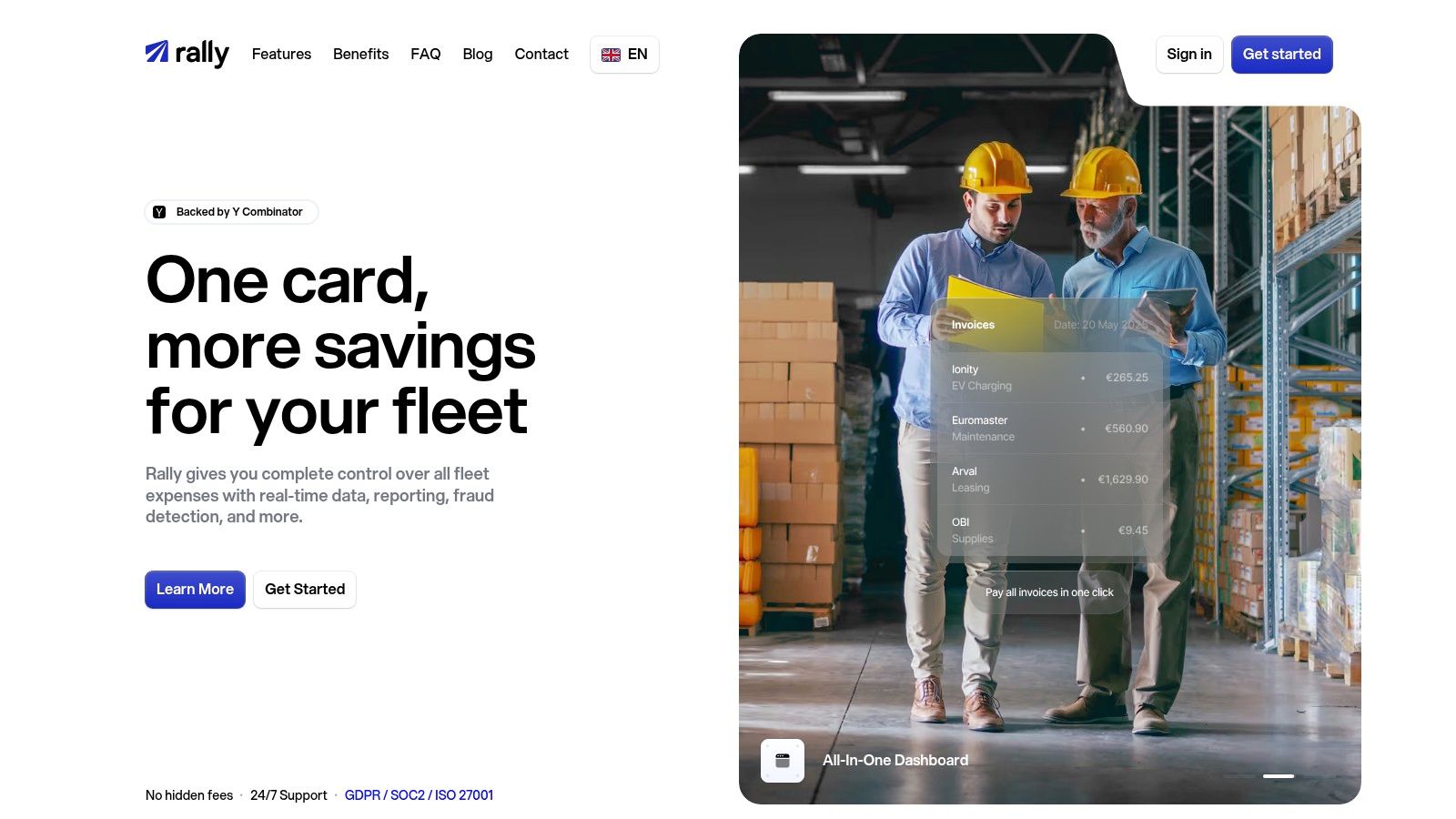
From payment to an accounting-ready record
| Rally capability | How it helps the team |
|---|
| Prepaid physical and virtual Visa cards | Fund business spending and assign cards with controls |
| WhatsApp expense agent | Submit receipts and complete expense details in chat, without another employee app just for receipts |
| Contextual AutoMatch | Use the document and transaction context to bring receipts and payments together in the expense record |
| Platform expense agent | Help the team work through outstanding items and prepare records for review |
| Accounting preparation | Keep reviewed records and supporting documents ready for a supported accounting connection or export |
AutoMatch is part of the wider expense management workflow. Check incomplete records and exceptions before sending them to accounting. The accounting page explains the handoff, and the business card page covers the cards themselves.
Pricing and getting started
You can start Rally's self-service signup in under 5 minutes. Business and representative verification still applies, and card use depends on completing the required checks and funding the balance. Starting signup is not a guarantee of immediate approval or physical card delivery.
See Rally pricing for current plans and get started when you are ready. Before using Rally for charging, test the intended sites and payment methods as part of your rollout.
A practical shortlisting checklist
- Map regular journeys. Check the sites your drivers actually need.
- Separate access from payment. Record how each charger starts and which payment methods it accepts.
- Price the same sessions. Include all relevant fees and subscriptions.
- Review a sample invoice. Have finance check the supporting records and export.
- Set ownership and controls. Confirm card assignment, limits and the exception process.
- Include home and depot charging. Verify the metering and reimbursement workflow where relevant.
- Test a backup. Give drivers a clear next step when their usual method fails.
- Run a pilot. Reconcile actual sessions and expenses before a wider rollout.
Choose the setup that covers your routes and gives your team a workable expense process. For fuel-card funding and acceptance criteria, see the fuel card comparison. To bring payment and expense work together, explore Rally.