To scan a receipt for a business expense, capture the entire document in focus, check the extracted details against the image, and attach it to the right expense record. A successful scan leaves finance able to read the evidence and understand the purchase later.
The useful test is whether another person can review the expense without asking you to find the paper again. Use the checklist below before disposing of any original under your company's retention policy.
Capture a document someone can read
Flatten the receipt on a contrasting surface and use even light. Keep your phone parallel to the paper. Avoid shadows, glare and fingers over the supplier name or tax details. Capture the full width and all edges before cropping excess background.
Check the image at a readable size immediately. Thermal paper can fade, so capture it soon after the purchase. If the total is already unreadable, request a duplicate from the supplier; increasing contrast cannot establish a number that is missing.
For a long receipt, use overlapping images in order if one image makes the text too small. Keep them together as one document. For an emailed invoice or digital receipt, retain the original file rather than taking a screenshot that omits another page or attachment.
Check these fields before approving the expense
OCR reads text from an image. It can confuse a date, decimal separator or currency, and it does not decide whether a purchase belongs to the business.
| Field | Check against the source |
|---|
| Supplier | Trading name and the invoice details required for your accounting treatment |
| Date | Purchase or invoice date, which may differ from the card posting date |
| Items | What was bought, including any personal items to separate for review |
| Total and currency | The amount due, not a subtotal, amount tendered or change given |
| Tax | The supplier's tax details and amounts; do not infer recoverable VAT from a card total |
| Business context | Who bought it, why, and the relevant team, project or vehicle |
| Payment | Whether the business card, employee or another party paid |
For example, an invoice for €48 may settle on a sterling card for a different numerical amount. Preserve the €48 document total and the actual sterling payment. Let finance review the exchange rate, fees and tax treatment instead of overwriting one amount to force a match.
Match the document without recording the purchase twice
A receipt, an invoice and a card transaction can all relate to the same purchase. Keep their relationship visible. The invoice supplies billing details; a receipt may evidence payment; the card record helps identify the settlement. None alone necessarily supplies every field needed for accounting.
Before creating a new expense, check whether the purchase already exists. Attach a later invoice or clearer scan to that record. Flag a possible duplicate for review rather than deleting evidence solely because two amounts match.
If a receipt cannot be recovered, use the missing receipt declaration to record what happened and the alternative evidence. A declaration does not automatically replace a VAT invoice or guarantee reimbursement.
Run a five-receipt test
Use your own documents and record the result for each row. These are suggested test cases, not measured accuracy results for any product.
| Test document | What a reviewer should be able to establish |
|---|
| Ordinary fuel or parking receipt | Supplier, date, total and business purpose are readable |
| Faded thermal receipt | Uncertain fields remain flagged; a duplicate can be requested |
| Long itemised receipt | Every section is present and personal items can be identified |
| Foreign-currency receipt | Original currency and settlement currency remain distinct |
| Multi-page PDF invoice | All pages are retained and linked to the correct expense |
For each test, note the employee's submission time, fields corrected, missing evidence and review time. Then retrieve the expense from the accounting output and open the source document. A fast upload is useful only if the record remains usable at the end of the process.
Keep images and records for the applicable period
Retention depends on the country, tax and document. Define who can access the records, how backups work and how finance retrieves them if an employee leaves or the business changes software.
For UK VAT records, HMRC VAT Notice 700/21 generally requires retention for at least six years. Sections 6 and 8 distinguish extracted data from a retained invoice image. Typing selected fields into software is not a copy of the invoice. A retained scan containing all the details required for VAT can replace the original in the circumstances described there, unless the original is needed for another purpose. Some documents must remain in their original form. These UK rules are not a retention rule for every country.
From a receipt photo to reviewed accounting data
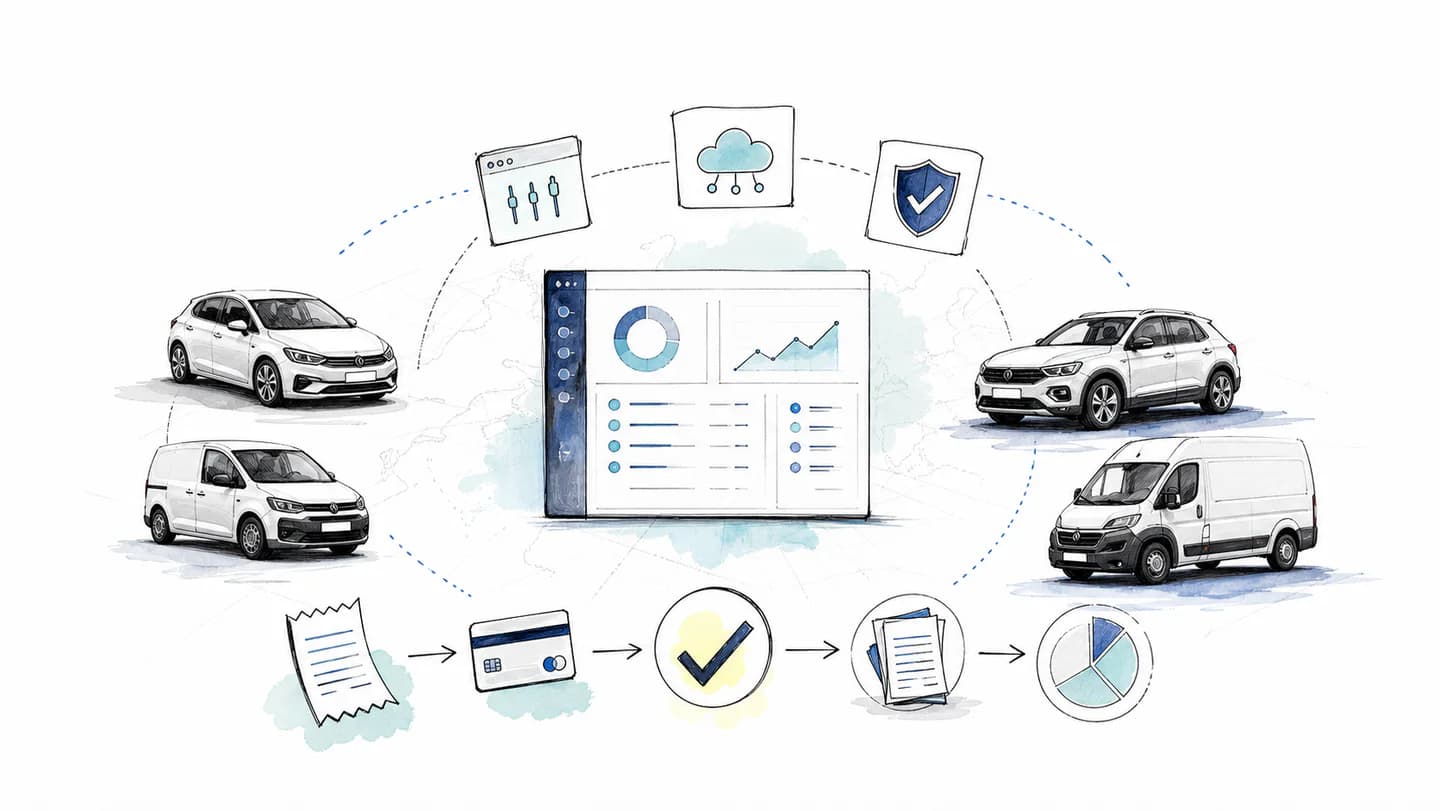
With Rally's expense workflow, employees send receipts and invoices through WhatsApp. The agent helps collect missing details, AutoMatch uses document and payment context to connect records, and finance reviews outstanding items in the platform.
Accounting exports provide the next handover step. Test the file format, required fields and document access with your accountant. Keep uncertain matches and tax decisions in the review process; a readable scan is the starting point for a complete expense.
UK retention guidance checked on 7 October 2026. The capture checklist and test cases are editorial examples.