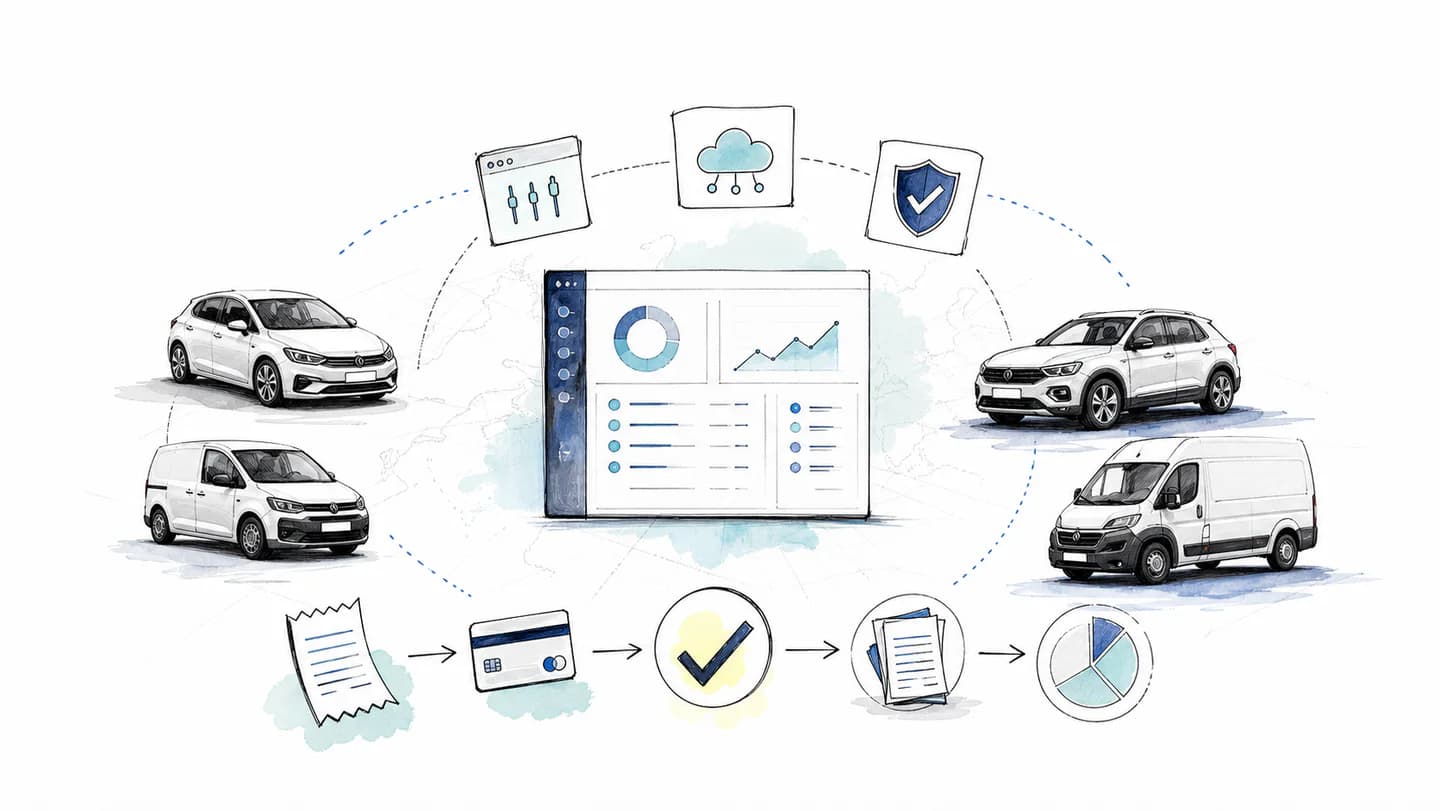
The invoice matching process checks that a supplier's bill agrees with what the business ordered and, where required, what it received. It also establishes whether the purchase has already been paid. A useful process routes differences to someone who can resolve them before the wrong amount is approved or paid twice.
Start by identifying which records your purchase needs. An invoice for an approved order, an employee's card purchase and a recurring service bill may follow different controls.
Two-way and three-way invoice matching
| Method | Compare | Question it answers |
|---|
| Two-way matching | Invoice and purchase order | Does the bill agree with the approved order's quantity, price and terms? |
| Three-way matching | Invoice, purchase order and receipt or service-acceptance evidence | Does the bill also agree with what was received or accepted? |
| Matching a document to payment | Invoice or receipt and transaction | Which payment relates to this purchase, and has it already been paid? |
These checks can coexist. Matching a card transaction to an invoice does not establish that a purchase order was approved or that a delivery was complete. Equally, a purchase order does not prove the supplier has been paid.
For purchases without an order, define the alternative approval evidence: the responsible budget owner, agreed terms and confirmation that the goods or services were received. Do not invent an order retrospectively to conceal a missing control.
A practical six-step process
- Capture the complete invoice. Keep all pages, supplier details, invoice reference, dates, currency, tax information and payment terms. Preserve the source document alongside any extracted fields.
- Identify the purchase and legal entity. Locate the relevant order, contract or approved request. Check that the entity billed is the one that made the purchase.
- Check line items and terms. Compare quantities, unit prices, discounts, freight and agreed charges. Check tax treatment separately; a matching total does not establish recoverable VAT.
- Confirm receipt or acceptance where required. Use delivery records or the service owner's approval. Distinguish a partial delivery from a completed order.
- Resolve exceptions and check existing payments. Record the difference, its owner and evidence. Link any card payment, deposit or credit note before authorising an additional payment.
- Approve, record and settle under the agreed process. Keep accounting recognition, approval and payment status distinct. A liability may need recording before payment; payment timing follows the contract and the business's controls.
For capture quality, use the receipt scanning checklist. Selecting software is a separate decision covered in the invoice-processing software guide.
Worked example: 100 ordered, 80 received
A business orders 100 replacement parts at £12 each, excluding VAT. The delivery record confirms 80 parts, but the invoice charges for 100.
| Record | Quantity | Value excluding VAT |
|---|
| Purchase order | 100 | £1,200 |
| Goods received | 80 | £960 |
| Supplier invoice | 100 | £1,200 |
| Difference to investigate | 20 | £240 |
A two-way comparison agrees with the order. The third record reveals the £240 quantity difference. Ask the receiving team whether the other 20 parts are in transit, missing or rejected, then obtain the supplier's response.
Depending on the contract and agreed resolution, the next step could be completing the delivery, issuing a corrected invoice or credit note, or approving an agreed part-payment. The discrepancy alone does not determine a unilateral right to withhold payment. Record the outcome and retain the original evidence.
An exception worksheet for finance
Use one row per unresolved issue, with an owner and next action. Agree approval tolerances explicitly rather than silently changing quantities to make the records match.
| Exception | Evidence to collect | Decision to record |
|---|
| Quantity difference | Order, delivery note and receiving-team confirmation | Remaining delivery, accepted quantity or supplier correction |
| Price difference | Agreed quote, order and any approved amendment | Correct price or authorised change |
| Possible duplicate | Supplier, invoice reference, amount and existing expense/payment | Same purchase, valid separate bill or correction |
| Missing approval | Budget owner's record and business purpose | Approve, reject or request more evidence |
| Tax evidence gap | Supplier invoice and relevant tax details | Request corrected evidence and confirm accounting treatment |
| Currency difference | Invoice currency, settlement amount and applicable fees | Explain the difference without altering the source bill |
| Credit note or return | Original invoice, return evidence and supplier credit | Allocate the credit and review the remaining balance |
| Supplier bank-detail change | Independent confirmation using established contact details | Approve the verified change through the authorised process |
Do not verify new bank details solely by replying to the message requesting the change. Use a contact route already established with the supplier and keep the verification separate from the payment approval.
Where Rally helps
For purchases paid with Rally cards, employees send receipts and invoices through WhatsApp. AutoMatch helps connect documents and transactions, and finance reviews missing details and exceptions before preparing accounting exports.
That supports the document-to-payment part of the process. It does not turn Rally into a purchase-order approval system, establish delivery acceptance or automatically pay a supplier invoice. Keep those responsibilities explicit when designing the workflow.
If a card payment is still unfinished, the pending transaction guide explains why a reserved amount can differ from the final charge. Confirm the existing payment before asking anyone to pay again.